Unveiling the real story behind About Windows 11 reveals surprises most users overlook. Microsoft’s flashy ads and promises often hide hidden flaws and strategic motives. Many switch to Windows 11 thinking it’s the best choice, but there’s more under the surface. This article exposes the lesser-known facts, potential risks, and what you need to know before upgrading. Prepare to see Windows 11 in a new light.
The Evolution of Windows: From Loyalty to Controversy
The Transformation of Windows Operating System
Windows has been a part of our lives since the early days. Most users trusted Microsoft to keep their computers safe and easy to use. Over time, Windows grew more complex and less transparent. When Windows 10 came out, many thought it was the final version, a reliable upgrade. But Windows 11 changed everything, stirring questions about Microsoft’s true goals.
Microsoft’s Strategic Shift in User Engagement
Lately, Microsoft’s marketing has become more aggressive. They push Windows 11 as a “must-have” upgrade, even for devices that don’t need it. They focus on new features rather than real user needs. It’s clear they see upgrades as an opportunity to push revenue through new hardware and subscriptions. Trusting their motives isn’t easy anymore.
Windows 11 Adoption Statistics & Market Impact
Despite skepticism, Windows 11 adoption is rising. Over 80% of new PCs now come with it pre-installed. Many users upgrade quickly, driven by marketing and device prompts. Yet, a large chunk of Windows users stays on Windows 10 or looks for alternatives. The shift impacts software developers, IT teams, and everyday users alike.
What Microsoft Isn’t Telling You About Windows 11
Hardware Requirements: A Barrier or a Strategy?
Microsoft’s minimum specs are high. You need a newer processor, more RAM, and graphics that can handle the fancy interface. Why? It makes older devices obsolete or harder to upgrade. Some see it as a way to boost sales of new hardware, not just a performance upgrade for users.
Forced Updates and Data Privacy Concerns
Windows 11 installs updates automatically. You have little control over when or how they happen. Sometimes these updates slow down your system or cause bugs. Privacy policies are even more concerning. Microsoft collects data about your activity, location, and device. The fine print reveals a level of surveillance that might surprise users.
Monetization Tactics Embedded in Windows 11
Microsoft snuck in ads, suggestions, and pre-installed apps. These can drain your bandwidth and clutter your workspace. Plus, Microsoft promotes subscriptions like Office 365 and OneDrive, pushing users to pay more. The goal? Turn Windows into a revenue machine, not just an operating system.
The Hidden Drawbacks and User Experiences
System Performance and Compatibility Issues
Many users report bugs, slowdowns, and crashes with About Windows 11. Older hardware struggles to run the new interface smoothly. Some essential apps become incompatible or glitchy after updates. These issues can frustrate even tech-savvy users.
User Control and Customization Limitations
Windows 11 restricts how much you can change. Default settings are designed to guide you into Microsoft’s ecosystem. Customization options are limited. You can’t disable certain features or control data sharing easily, which limits your freedom.
Privacy Concerns and Data Security Risks
Experts warn that About Windows 11’s data policies compromise privacy. The OS gathers more info about your habits and preferences than before. Plus, any software with vulnerabilities can expose your data to hackers. Privacy loopholes still exist, making your security a concern.
Comparing Windows 11 with Counterparts

About Windows 11
Windows 11 vs Windows 10: A Critical Analysis
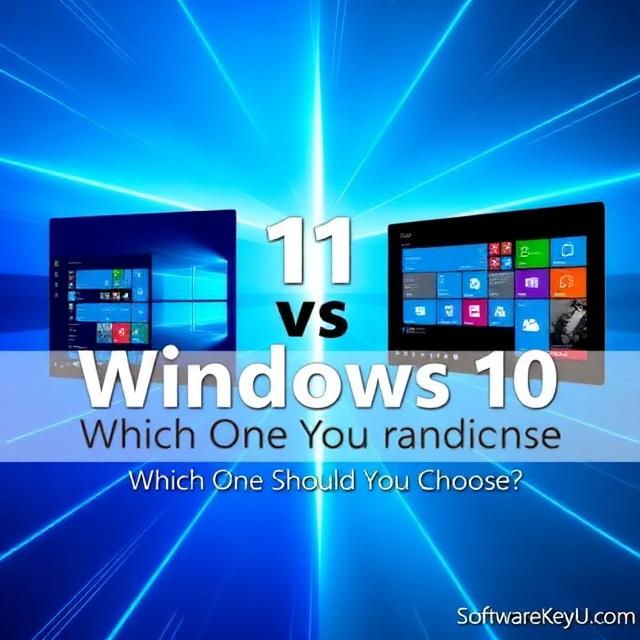
Windows 11 offers a sleeker look, but not many real benefits. Speed tests show little difference unless your hardware is new. Many users prefer Windows 10, which remains stable and customizable. The hype often masks the fact that About Windows 11 is not a giant leap forward.
Windows 11 Alternatives: Custom OS & Open-Source Options
Tech experts are turning to Linux and other lightweight OSes. These options give full control over privacy and performance. They’re perfect for users who don’t want Microsoft’s ecosystem dictating their every move. Custom OSes often run faster on older devices.
The Future of Windows: What Experts Predict
Industry insiders expect About About Windows 11 to become more integrated with Microsoft 365 services. The focus will shift toward subscriptions and cloud-based features. Privacy may decline further, making user control more difficult. Staying informed keeps your options open.
Actionable Tips for Users and Tech Enthusiasts
How to Optimize About Windows 11 for Better Privacy and Performance
Start by disabling unnecessary telemetries. Turn off targeted ads and limit background apps. Regularly review privacy settings and stick with minimal updates. Using tools like privacy controls can significantly boost performance and security.
When to Consider Downgrading or Avoiding About Windows 11
If your PC slows down or software crashes often, stay on Windows 10. If you dislike forced updates and data collection, it’s better to avoid About Windows 11 altogether. You can also explore Linux or other OS options for more control.
Staying Informed: Reliable Sources for Windows Updates & Security
Follow trusted websites like How-To Geek, TechRepublic, and the official Microsoft support page. Join forums and tech communities to stay updated on issues and fixes. Regular checkups ensure your device remains safe and efficient.